NOTICE:
For EU Freq with antenna package larger than 2KG, if you choose aliexpress standard logistics, the package will be automatically split, so if you may receive more than 2 packages. If you have any questions, please contact us, we will reply you in time during office hours.
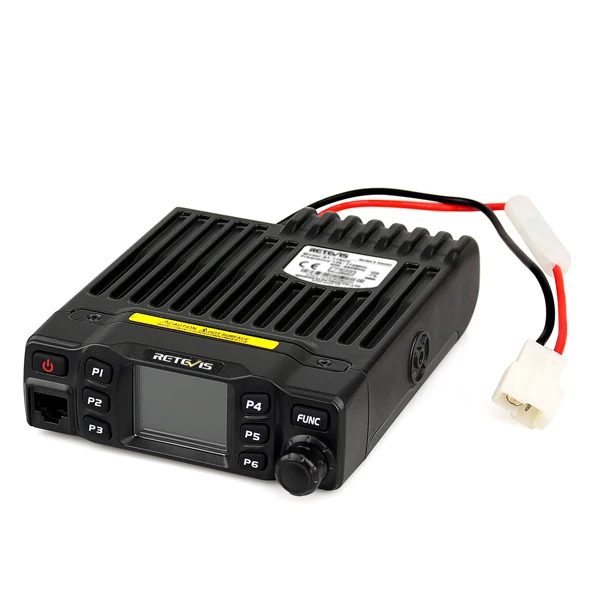
RETEVIS RT95 Car Radio with Screen Ham Car Mobile Radio Station Autoradio Two-way Radio 25W VHF UHF CHIRP Anytone Base Station
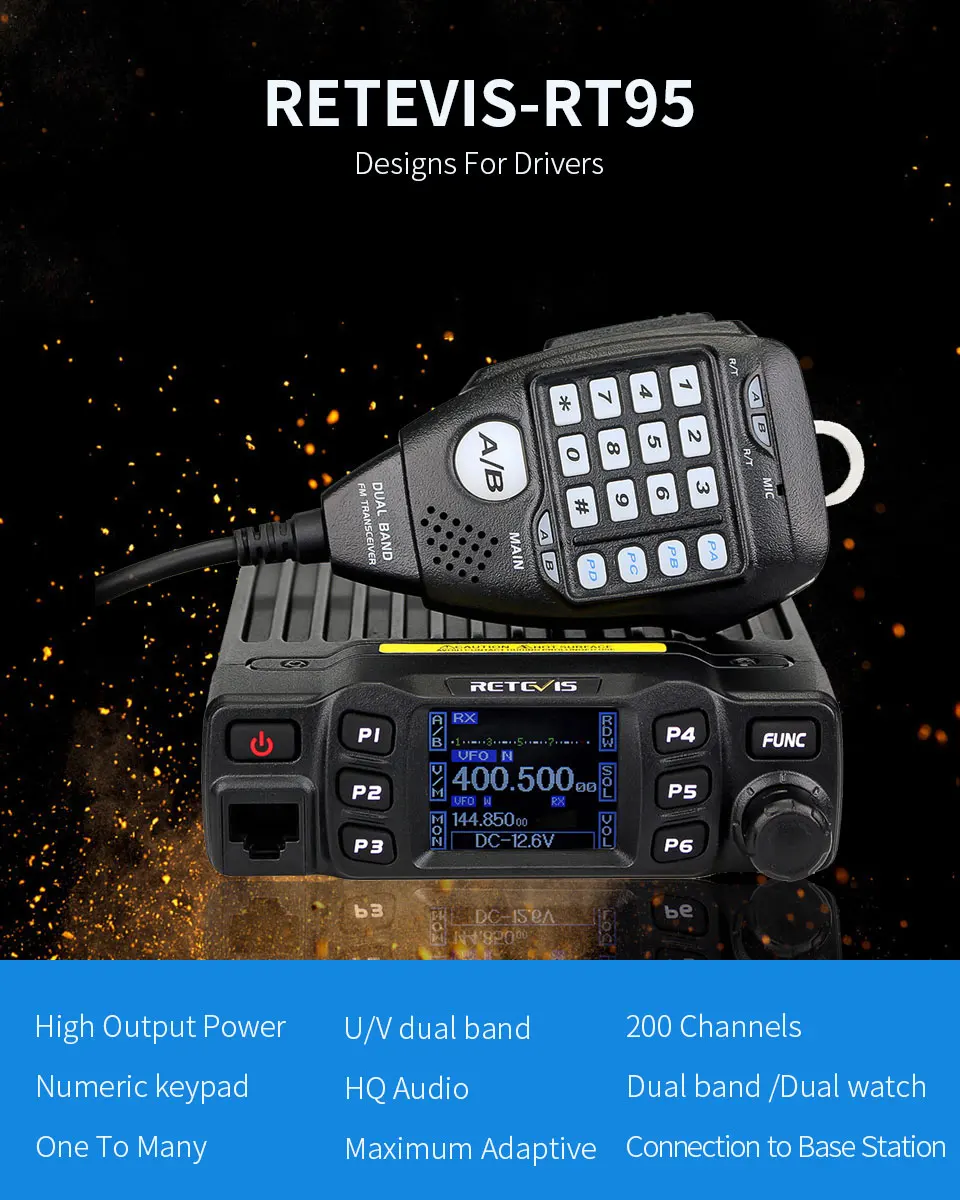
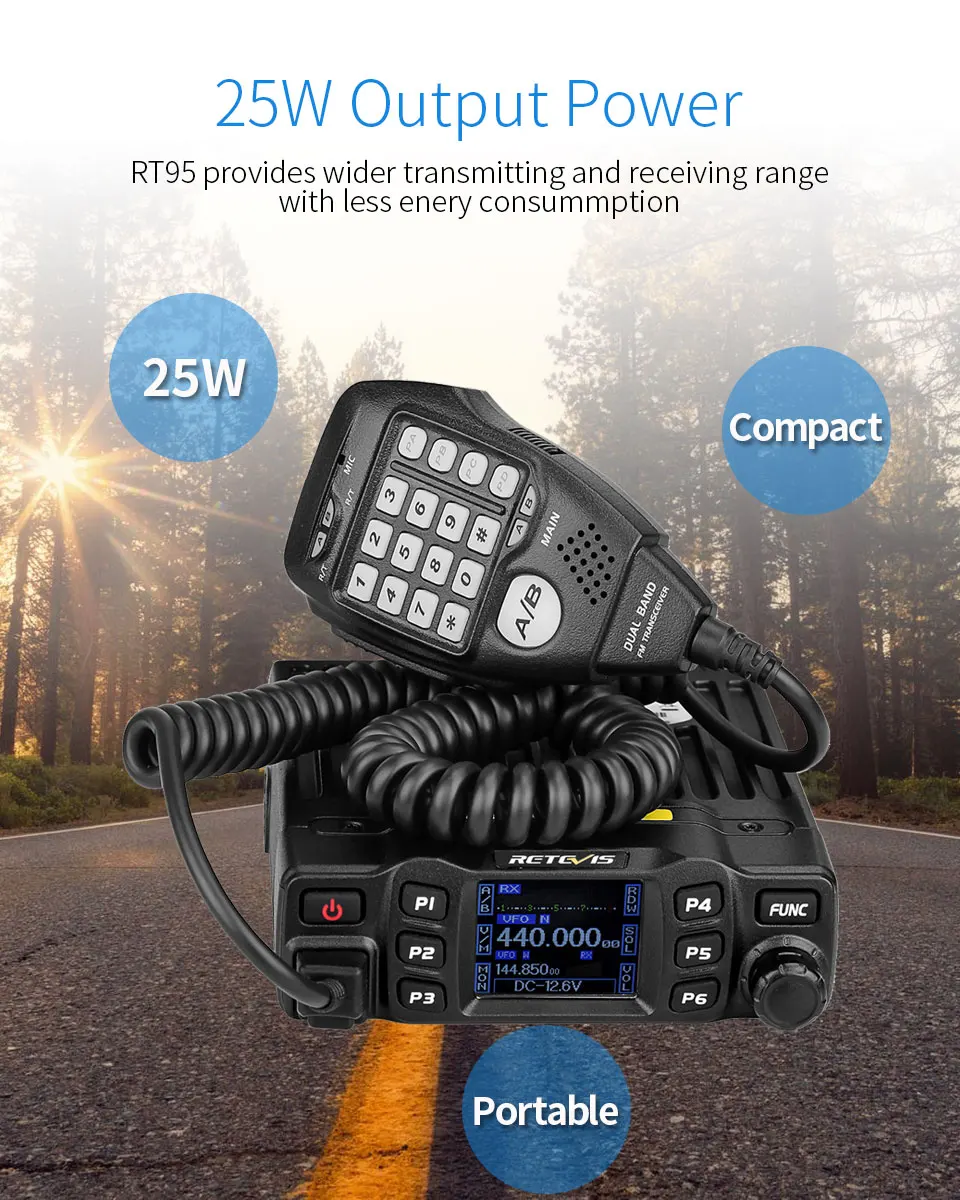
25W Output Power
RT95 provides wider transmitting and receiving range with less enery consummption
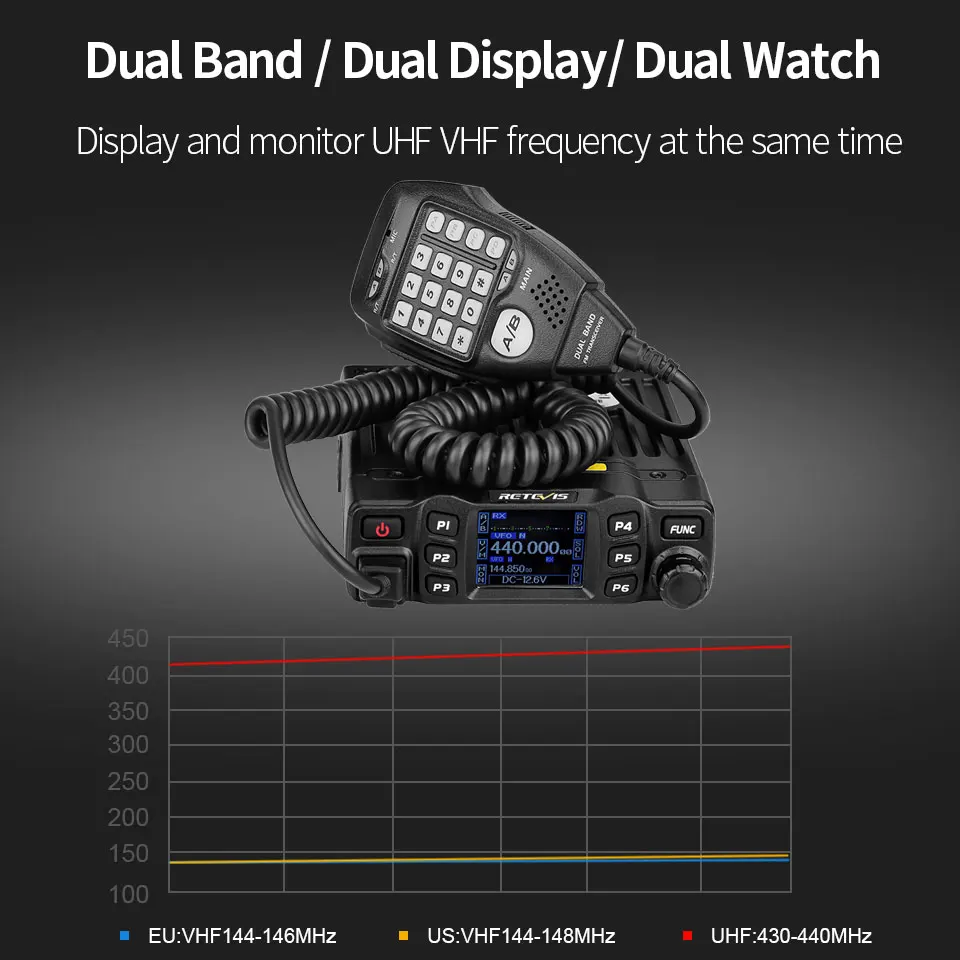
Dual Band Mobile Radio/ Dual Display/ Dual Watch
Display and monitor UHF VHF frequency at the same time
Editable memory channels
200 channels for you to name and edit; 6 side keys for you to program to be shortcuts

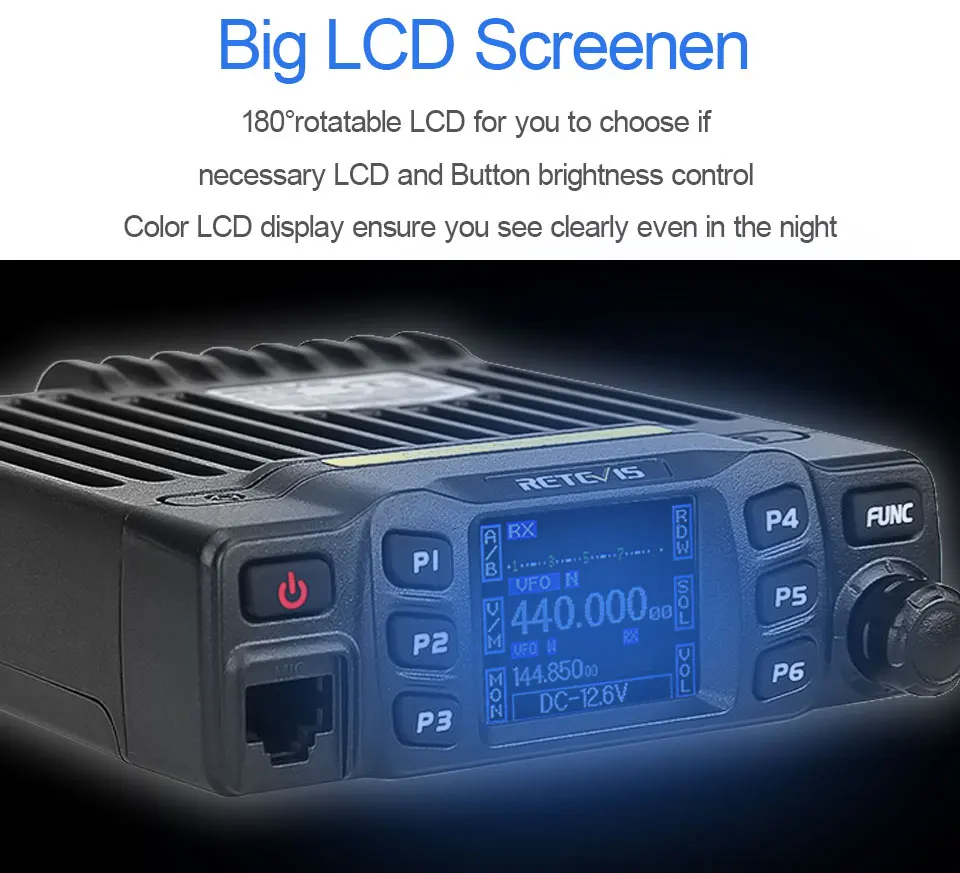
Big LCD Screenen
180°rotatable LCD for you to choose if
necessary LCD and Button brightness control
Color LCD display ensure you see clearly even in the night
CTCSS, DCS, DTMF, 5Tone
Separate CTCSS, DCS, DTMF, 5Tone setting for each single
channel,rejecting extra calling from other radios

Excellent sound quality
With dual audio compandor,reproduce clear balanced stereo effect

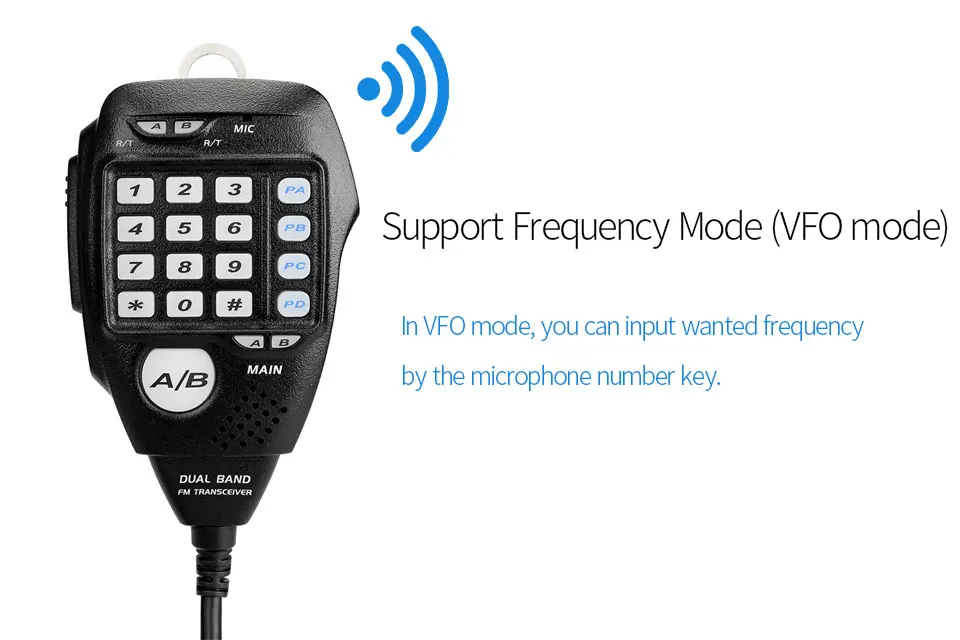
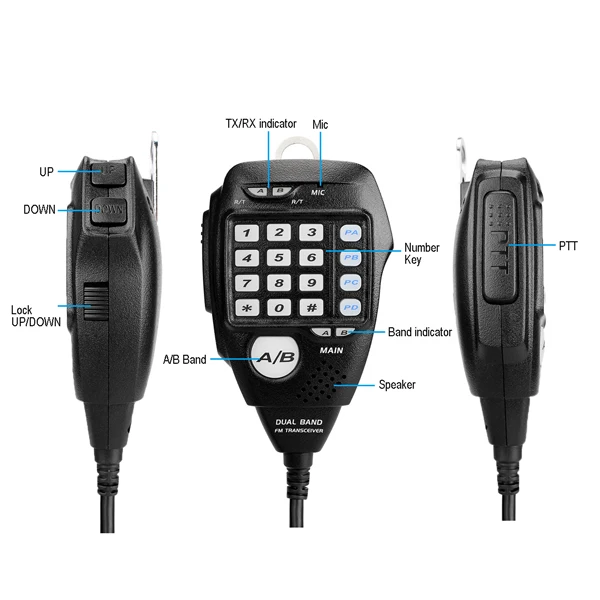
Numeric keypad
Shortcut Digital keyboard Press
Efficiency / Simole / Multifunctional
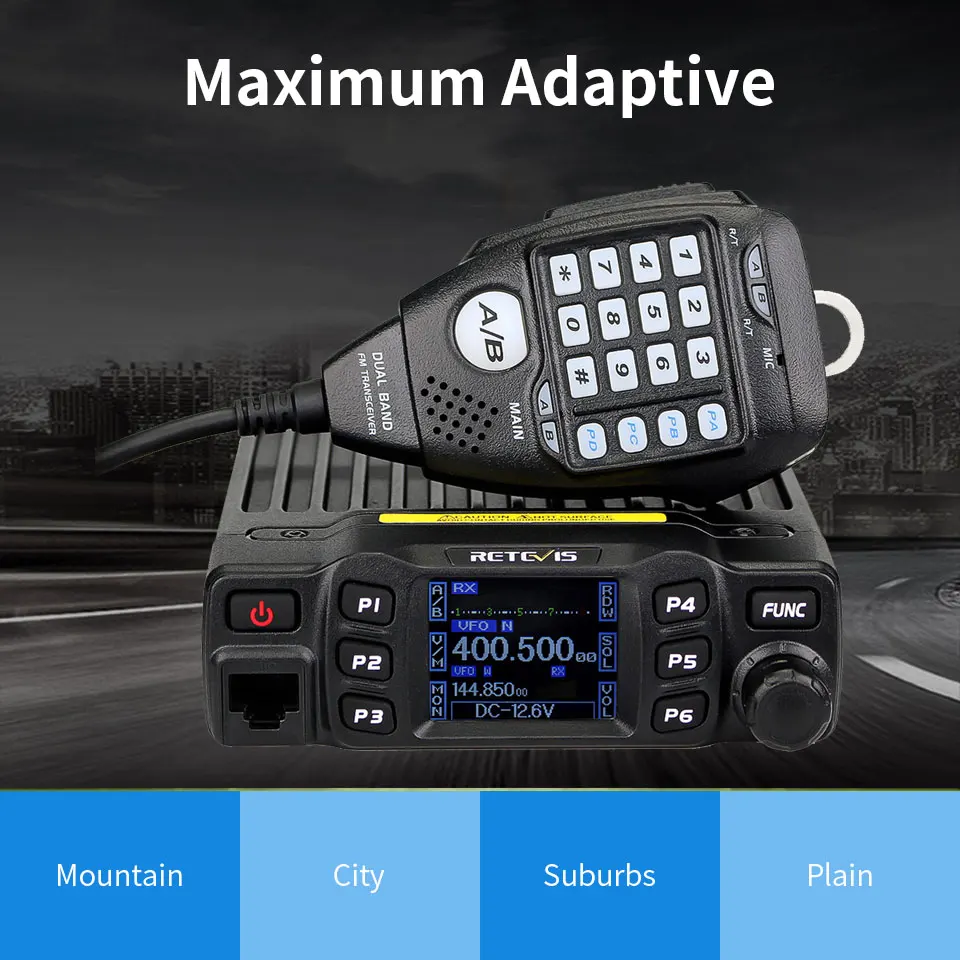
Maximum Adaptive
Mountain /City /Suburbs/ Plain
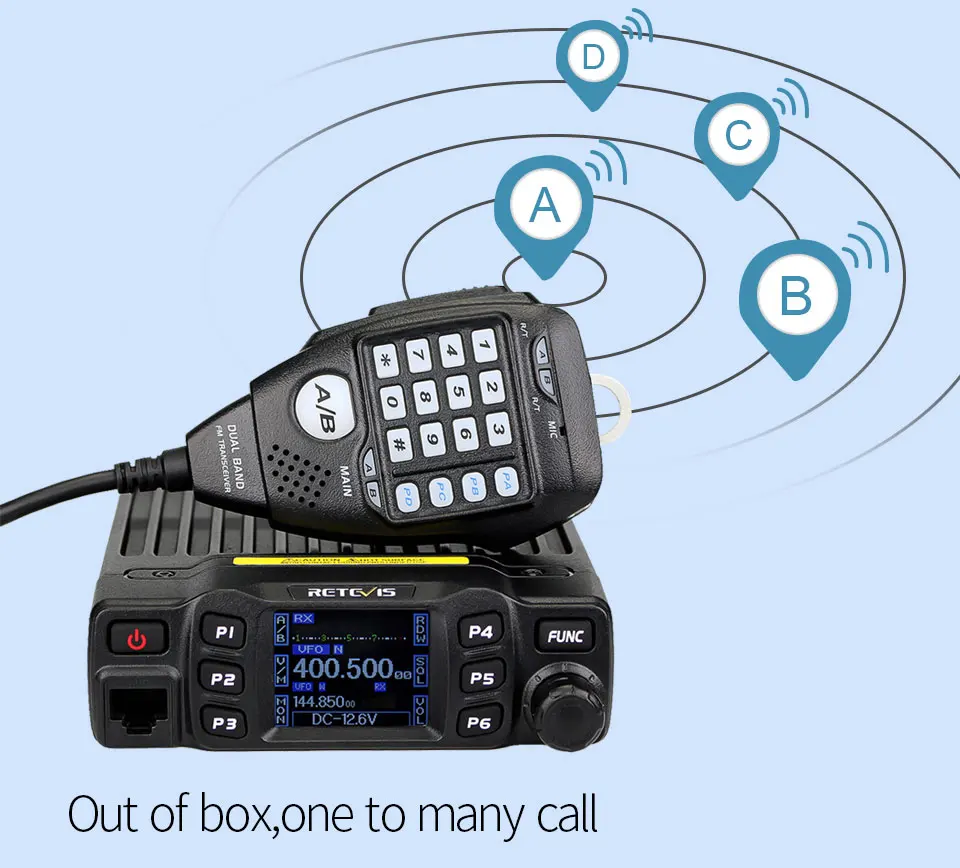
Out of box,one to many call
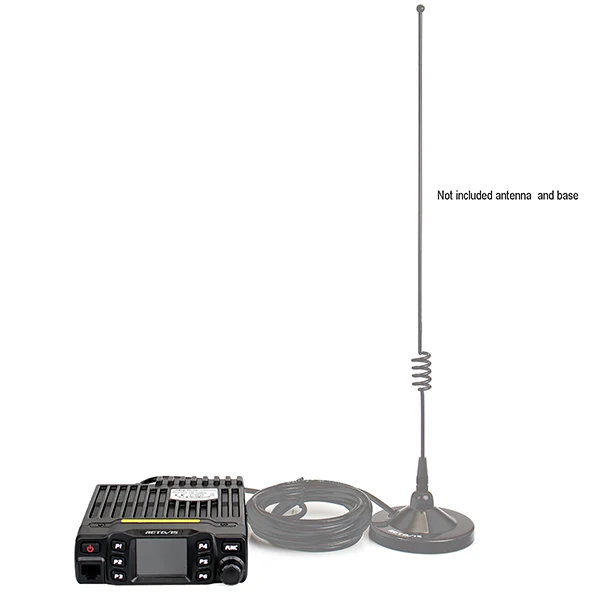
Connection to Base Station
Support CTCSS/DCS channel storage for both UHF and VHF frequencies

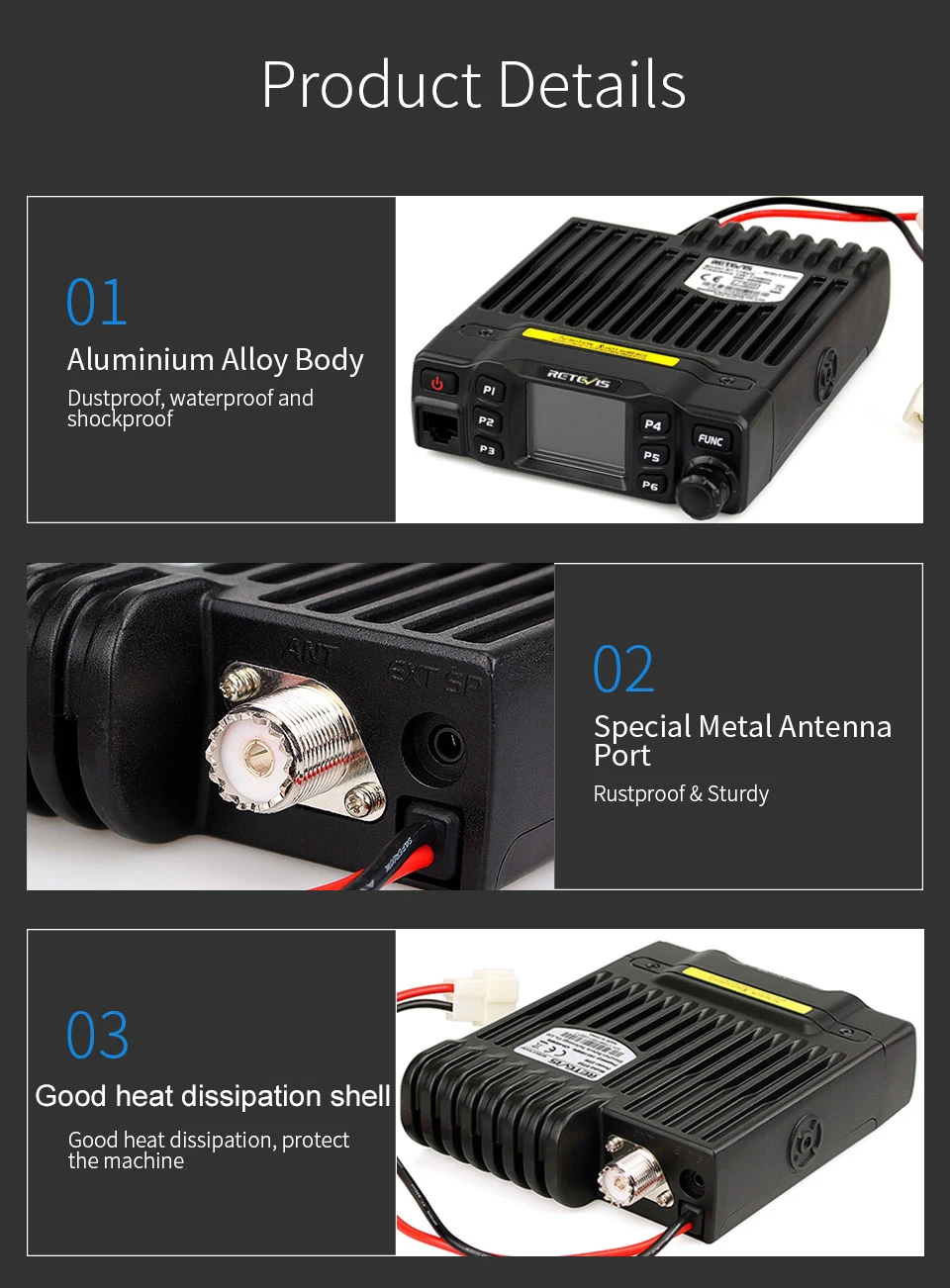
Product Details
Add VOX function,as shown in the following picture:


Package include:
1x RT95 Ham car mobile radio station 1x Power cable 1x Handheld mic 1x One pack of screw and accessories 1x User's manual 1x Programming Cable (as gift)



FAQ:
Question 1:How to switch between full frequency and amateur frequency of Retevis RT95 car radio?
Answer:Here is the steps:
1):Turn off the device, Press P4+FUNC+POWER ON KEY (at the same time press 3 keys), then power on.

2):You will see content like RED CIRCLED BELOW,
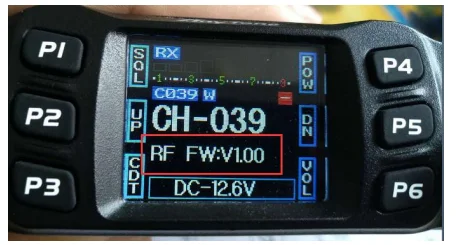
rotate the channel knob to Choose to Mode menu

3) Press and hold PTT key on the external speaker mic.
MODE no. Change to blue color, then rotate the channel knob to choose the frequency band you need
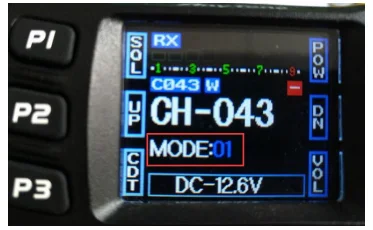
MODE1= 430-440, 144-148
MODE2= 400-490, 136-174
MODE3= 430-440, 144-146
When you choose Mode 2,then you can use the full frequency. 136-174 MHz and 400-490MHz
4)Turn off the device, then turn on again. Will be the new frequency band you setted.
Question 2:Can RT95 mobile ham radio use CHIRP software to programme?
Answer: Yes,it supports. You can download from here:
|